

Hi there Trainers! Every Pokémon Trainer has a backpack for essentials. A well-stocked inventory can aid you greatly in your quests and adventures but it can be confusing, what do all these things do? What do I keep? What do I toss? How do I get some of those items? It’s all here, so let’s dig in!
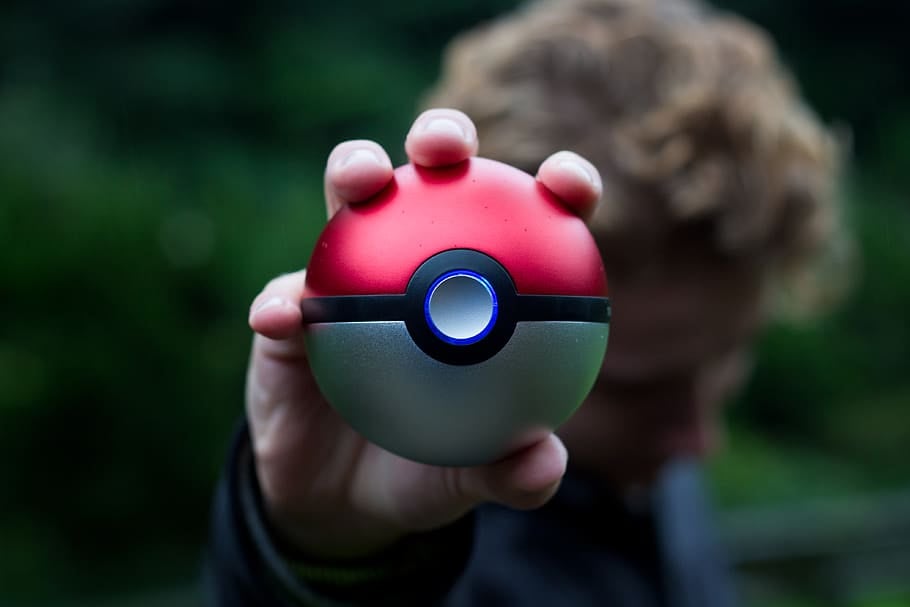
Your basics. No balls equals no catching Pokémon.
Poké Ball – Your standard red Pokéball. Easy come, easy go, spin any stop or Gym and chances are you will get some more. Throw it for a chance to catch a Pokémon. Recommended for first forms and low CP Pokémon.
Great Ball – Next level up from a Poké ball, gives you a slightly higher catch rate. Not as easy to come by as red balls but not uncommon. Recommended for second evolution Pokémon and higher level/weather boosted Pokémon that are giving you trouble.
Ultra Ball – Your top tier ball with the highest base level catch chance. Can take a while to build up a stash so use sparingly and as a last resort if something is being particularly tricky. Recommended for shiny Pokémon and final evolutions forms.
Tips
- When it comes to catching, pay attention to the colour of the circle around your Pokémon, it has a scale of green to red with red being the most difficult to catch and choose appropriately.
- Try to throw a curve ball whenever you can and land inside the smallest circle you can manage, it all adds not only to the amount of XP you get for the catch but also increases your chances of catching it.
- Pokémon become easier to catch the more you catch of that type, increases in chances are at 10, 50, 200 and 2500.
- Balls are available for free by spinning stops and Gyms, in field research quest rewards, in gifts, Poké Balls (but not Great or Ultra balls) are available in the shop if you get desperate.
- Fun fact: The colour schemes of the Great League, Ultra League and Master League match the colours of the Great, Ultra and Master Ball (Master Ball not in game)
- For more info around catch probabilities read further here https://pokemongohub.net/post/wiki/catch-mechanics/
- If you use a GO Plus, you may want to prioritise having Poké Balls in your inventory as it can only use standard Poké Balls when catching
- If you use a GO Plus+ you choose the setting and which ball you would prefer to use. Poké Balls are the default setting, and can be used with the auto-catcher aspect, so should be a priority. If you are manually clicking to catch you can use Great or Ultra Balls.

Berries assist you and give you bonuses when catching Pokémon, but which to choose?
- Razz Berry – Makes Pokémon a little easier to catch, might reduce a catching circle down by a few shades towards green. Pretty easy to get hold of.
- Golden Razz Berry – Like a razz berry but super charged, will significantly change the catching colour circle for easy catching. More difficult to build a stash, use sparingly on rare Pokémon.
- Pinap Berry – Doubles the amount of candy you will receive when you catch the Pokémon. Easy to get, use at will.
- Silver Pinap Berry – Doubles the amount of candy a Pokémon will give you when you catch it, and makes it easier to catch (not as easy as a Golden Razz will, but more effective than a Razz Berry). Pretty rare outside of raid rewards so use sparingly on something rare/new Pokédex entries.
- Nanab Berry – If you have a Pokémon jumping around, making itself a difficult target, this berry will make it stand still so it is easier to hit but not increasing the catch rate itself. Use as you need to, easily replaced!
- Poffin – The only berry that cannot be used when catching a Pokémon. The Poffin is instead used to feed your Buddy Pokémon and make it instantly ‘excited’, allowing you to earn more Buddy Hearts.
Tips
- You can only use one berry at a time, if a Pokémon jumps out of the Pokéball after using a berry then you will have to use another to get the same effect again.
- If you have an excess of berries then you can feed them to your Pokémon, or any of your teammates Pokémon in Gyms and receive 30 Stardust per berry. It doesn’t sound a lot but it all adds up and 60 berries suddenly become 1800 dust or 2700 with a star piece active (star pieces covered further down). It also helps you work towards the Platinum Badge for feeding berries at gyms which helps with level up quests.
- Standard Razz/Pinaps/Nanabs are all available from spinning stops and Gyms, the Golden Razz and Silver Pinaps can be quest items and are also given as raid rewards for beating a boss (Silver Pinaps more from Mega raids, Golden Razz from all other raids).
- Pinaps and silver Pinaps also stack with in-game catch candy bonuses to give you even more!
- If you are catching an evolved Pokémon you will naturally receive more candies for catching – base form is 3 candies, second evolution is 5 candies and third is 10 candies, these can all be doubled with a Pinap/Silver Pinap.
- Poffins are a very rare berry, and can be found in field research task rewards and GO Pass rewards typically. Use sparingly.
- Poffins can be utilised if you have to earn candy with your Buddy Pokémon for a research task, such as ‘Earn 2 candies walking with your Buddy’, you can time using a Poffin to halve the distance, and thus earn 2 candies. Particularly handy if you have to earn two candies walking a Legendary or Mythical Pokémon for special research, or when using a Bottle Cap. Just before you hit 20km walked feed your Buddy Pokémon to get it excited, this will halve the distance you need to walk, meaning you obtain a Candy for 10km, and then only have a short distance to walk to get a second Candy for 10km.
Post battling you will need to heal and revive your fainted Pokémon, the stronger potions become available as you level up as a Trainer.
Potions
- Potion – Will restore 20 HP
- Super potion – Will restore 50 HP
- Hyper Potion – Will restore 200 HP
- Max Potion – Will restore all HP
Once you become strong enough to access the higher level potions and your Pokémon become stronger as a result, the lower level potions become less valuable. In terms of bag space 10 potions is the same as 1 hyper potion so if space is limited then consider letting go some of the lower level potions. In my mind hyper potions and max potions do the same job and are equally valuable so don’t feel like you have to bin those to make room for max potions.
Tips
- As the potions become stronger they become less likely to get from spinning stops and Gyms but any can drop.
- Gifts are a fairly reliable source of potions, they are quite often field research rewards and after any raid/team rocket battle you are likely to receive some to help you.
- Max Potions are available to purchase from the shop but not the lower level ones.
- If you want to be strategic with your resources you can check each Pokémon that requires a potion, check how much HP needs restoring and then choose appropriately.
Revives

Revive – Any Pokémon that faints will need one. This item revives your Pokémon so you can use it again for battling. It will restore half of your Pokémon’s HP at the same time.
Max Revive – Perhaps no surprise that a Max Revive will revive your Pokémon at full health. These become available later on in your Pokémon journey. They are rarer to obtain over the regular revive. If you are overrun with max revives (lucky you) then you may not need a big stash of potions but if you have a healthy stash of potions and standard revives consider using those over max revives in my opinion just because they are more difficult to get hold of.
Tips
- Max revives are available to buy from the shop but they are expensive at 6 for 180 coins.
- Research around drop rates of items show revives and potions are more likely to drop from Gyms so if you are struggling, camp out at a concentration if Gyms and keep spinning.
- Otherwise both are available as field research rewards, in gifts and after battling team rocket/most raids.
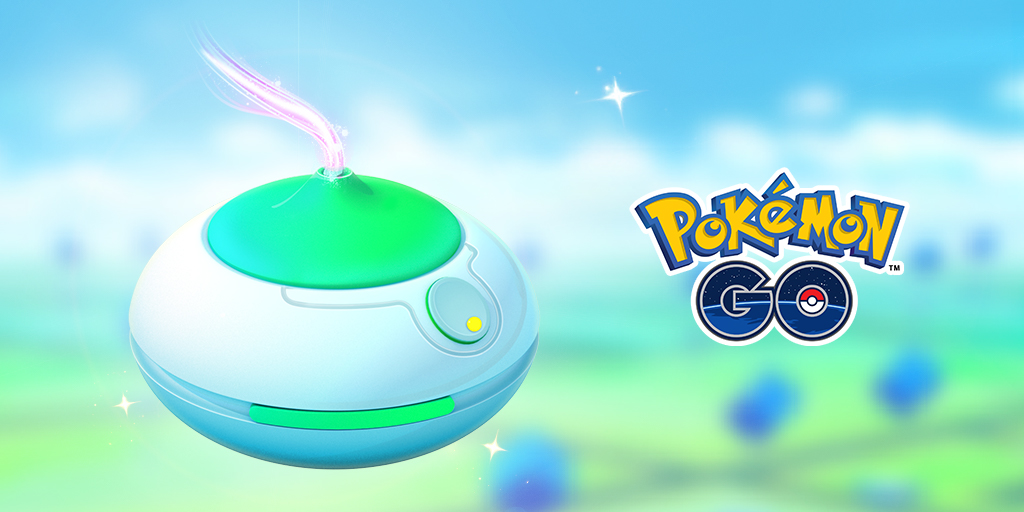
These items all complement your individual account with bonuses lasting 30 or 60 minutes mins, often used in conjunction on Community Days or Spotlight Hours. All of these items can be stacked, meaning you can use as many as you want at one time so instead of having one incense active for 60 minutes you can use 4 and have four hours of spawny goodness!
Incense
Incense lasts 60 mins and will spawn a Pokémon every 90 seconds around you. They are not more likely to give you a shiny or a better IV, they just force spawns specific to you, no one else will be able to catch them (see Lures for items that benefit other players). During Community Days incense typically last 3 hours!
NB: Incense effectiveness and length is boosted at the moment due to the ongoing in-game COVID-related bonuses, changes to these bonuses have recently been announced see here for more info
Lucky Egg
Lucky Eggs last 30 mins and double the XP you receive for any in-game action including levelling up friendships. These also usually stack with ongoing external bonuses available to everyone, so if there is an event going on with 3x catch XP, then a Lucky Egg will bump this to 6x catch XP.
Star Piece

So pretty…. these magnificent looking items will increase the Stardust you receive by 50%. For example, under normal circumstances a Pokémon will give you 150 dust instead of the usual 100.
These also stack with in-game events, so 2x catch dust becomes 3x catch dust and so on. With Stardust being the most valuable commodity in-game use these wisely to capitalize on those gains. Read more here: The Ultimate Stardust Guide: Farming, Trading, Second Charge Move, Powering Up
All these items are considered ‘premium’ so outside of Special Research and a reward for levelling up these items all need purchasing from the shop with Poké Coins. They can be purchased individually or as a bundle at a discounted rate.
 Not all movesets were created equal – some are better suited for raids, some for Trainer Battles, some moves were only available for a short period of time, and some Pokémon have a such wide variety of available moves that it can be tricky to get the one you want.
In any instance, if you want to change the moveset your Pokémon has you are going to need TM’s.
- Fast TM – Broadly speaking most Pokémon only have a choice of two fast moves to choose from, so it’s fairly straightforward to swap from one to the other.
- Charge TM – Charge moves can be a little more fiddly, as a Pokémon can have many charge moves, and using a charge TM chooses the move randomly from the currently available pool. You may find yourself pinging back and forth until you get the one you want.
- Elite Fast TM – With an Elite TM you have the privilege of choosing the move you want to have, including moves no longer usually available.
- Elite Charge TM – Same as Elite Fast TM except this obviously applies to charged moves. If you have unlocked the second charge move on your Pokémon then you need to confirm which move you want to change.
Tips
- The thing is with TM’s, you can’t buy them. Regular TM’s are relatively straightforward to obtain – from Raids and as Go Battle League rewards – and usually given away with Special Research.
- Elite TM’s are much rarer. Generally speaking, one is given away at the end of each Go Battle League season by achieving a high enough rank, usually the type rotates between Fast and Charge TM.
- The only other way (at present) to obtain one is to buy a box that normally comes round every Community Day, usually contains an Elite TM of some sort depending on whether the Community Day exclusive move is Fast/Charge.
- The box always costs 1280 Poké Coins, and the rest of the contents of the box do vary greatly as to their value, so it can questionable whether the box is worth it or not to you.
- For a full list of legacy Fast and Charge Moves only available through an Elite TM follow this link.
 In a similar vein to Incense, Lure Modules attract Pokémon to a Pokéstop location but rather than specifically you being the only Trainer to benefit, anyone passing by can pick up the spawns they generate. There are still different types though, see below how they differ!
- Lure Module – Your standard lure. They will attract whatever Pokémon is in the general area. If there is an event going on for example Community Day then it will attract those. Gives a confetti look to a Pokéstop.
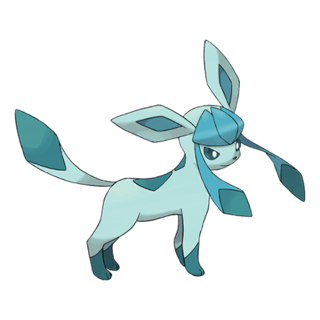
- Glacial Lure – In additional to having a greater chance of bringing in Ice-types you can also evolve an Eevee into a Glaceon by being near one. Gives a snowflake effect to the Pokéstop.
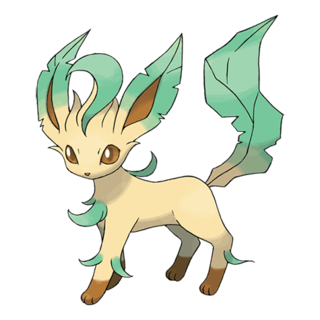
- Mossy Lure – This lure will bring Grass-types with greater frequency. You can evolve an Eevee into a Leafeon by being near one. Gives a falling leaves effect to the Pokéstop.
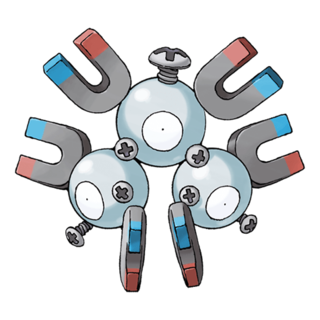
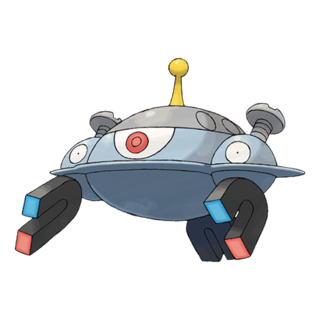
- Magnetic Lure – Most commonly brings Electric-type spawns. You can evolve a Magneton and Nosepass into Magnezone and Probopass as applicable by being near one. Gives you an unusual block effect to a Pokéstop.
- Rainy Lure – Brings Water-types to the forefront. You can evolve a Sliggoo into Goodra by being near one. Gives a heavy rain shower effect to the Pokéstop.
Tips
- All lure types are available to buy through the shop, special lures as single items at 200 coins each. Generic lures as a single purchase or as a bundle at a reduced rate.
- Lure Modules are a premium item, and are typically obtained through Special Research quest lines or by levelling up.
- There is a Trainer medal called ‘Picnicker’ that you can only progress in by placing lure modules on Pokéstops and having other Trainers catch the resulting spawns.
- Lures of all kinds, generally last only 30 mins and you cannot stack them like some other items. There is no way to tell at present how much longer is left on a Lure Module.
- You can see who placed the lure module on the Pokéstop by clicking on the stop, the Trainer name will be given at the top of the screen, so you can in effect use this to let your fellow Trainers where you are through the -in-game map.
- Lure Modules are often rewards for doing well in Pokéstop showcases, so enter them when you can.
Evolution items, also known as evolutionary items, are used in Pokémon GO to evolve certain species of Pokémon. Pokémon requiring Evolution Items are not typically found in the wild, so Evolution Items are the only way to obtain many of these Pokémon.
Evolution items can be obtained via the 7 day streak, randomly from PokéStop spins, or from opening gifts sent by other Trainers. Drop rates for evolve items are fairly low (0.76% – 1%). However, Trainers can get 1 guaranteed, albeit random, Evolution Item by completing their “First PokéStop (or Gym) of the Day” 7 day streak.
List of Evolution items
There are several kinds of evolution items available in the game:
- Sun Stone: Evolves Gloom into Bellossom and Sunkern into Sunflora.
- King’s Rock: Evolves Poliwhirl into Politoed and Slowpoke into Slowking.
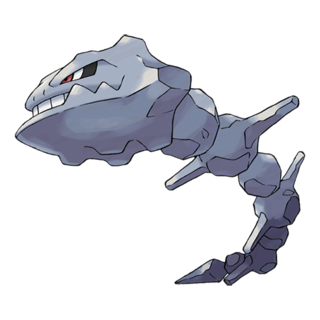
- Metal Coat: Evolves Onix into Steelix and Scyther into Scizor.
- Dragon Scale: Evolves Seadra into Kingdra.
- Upgrade: Evolves Porygon into Porygon2.
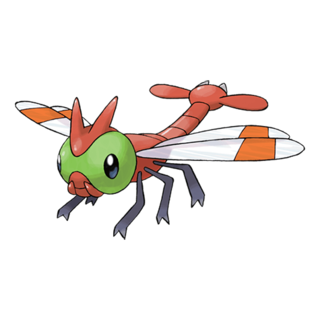
- Sinnoh Stone: Evolves various Gen 1-3 Pokémon into their Gen 4 evolutions. This includes Rhydon into Rhyperior, Electabuzz into Electivire, Magmar into Magmortar, among others.
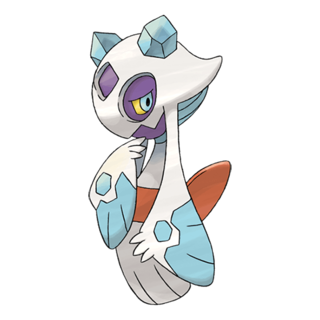
- Unova Stone: Evolves certain Gen 5 Pokémon. Lampent to Chandelure, Pansear to Simisear, Pansage to Simisage, Panpour to Simipour, Minccino to Cinccino, and Eelektrik to Eelektross.
- Lure Modules (Glacial, Mossy, Magnetic): These are a little different from the other evolution items. They are modules that can be placed on PokéStops and they not only attract certain types of Pokémon for a period of time but also allow specific Pokémon to evolve when trainers are in the radius of the PokéStop. Glacial Lure allows Eevee to evolve into Glaceon, Mossy Lure allows Eevee to evolve into Leafeon, and the Magnetic Lure allows Magneton to evolve into Magnezone and Nosepass into Probopass
Sun Stone
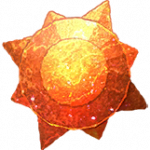 |
Sun Stone A peculiar stone that can make certain species of Pokémon evolve. It burns as red as the evening sun. |
The following Pokémon require a Sun Stone to evolve:



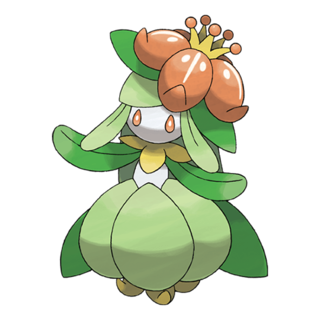
King’s Rock
 |
King’s Rock A rock that can make certain species of Pokémon evolve. It looks like a crown. |
A King’s Rock is used to evolve to the following Pokémon:

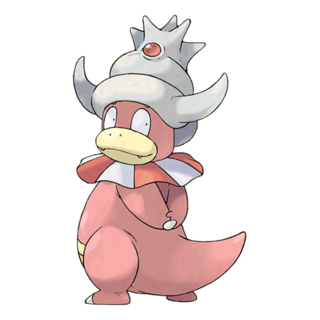
Metal Coat
 |
Metal Coat A coating that can make certain species of Pokémon evolve. It is a special metallic film. |
A Metal Coat is used to evolve to the following Pokémon:
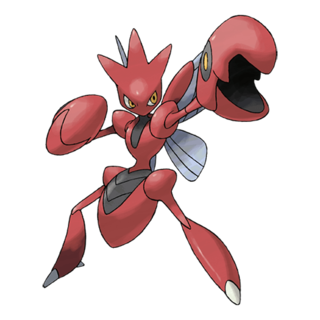
Dragon Scale
 |
Dragon Scale A scale that can make certain species of Pokémon evolve. It is very tough and inflexible. |
A Dragon Scale is used to evolve to the following Pokémon:
 Kingdra
Upgrade
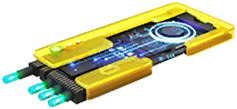 |
Upgrade A transparent device that can make certain species of Pokémon evolve. It was produced by Silph Co. |
An Upgrade is used to evolve to the following Pokémon:
 Porygon2
Sinnoh Stone
 Sinnoh Stones are obtained via 7 day streaks, as PVP rewards and from defeating a Team GO Rocket leader.The Sinnoh Stone was introduced with the release of the Sinnoh region, Generation IV.
Rather than needing a variety of different evolution items as we had in previous generations, this time we only needed to obtain Sinnoh Stones to perform all item based evolutions in Gen IV.
For more information on Sinnoh Stones check out our Sinnoh Stone Guide.
The following Pokémon are evolved to using the Sinnoh Stone:




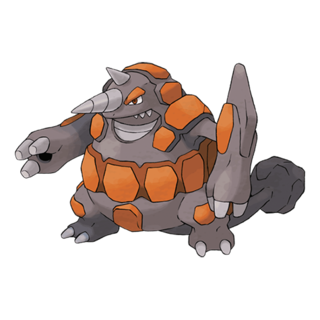
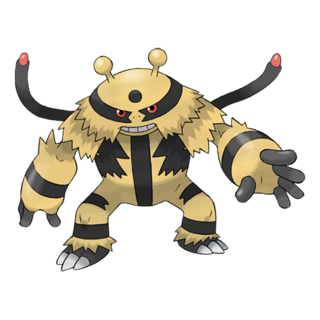
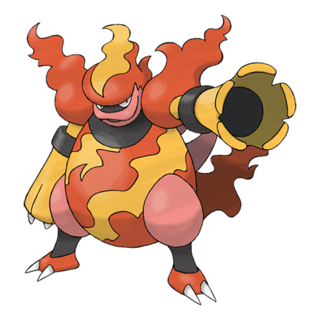

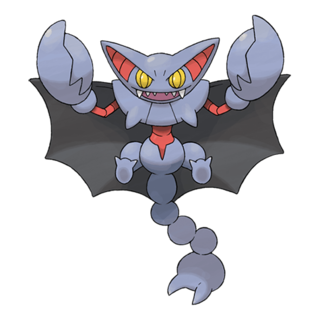
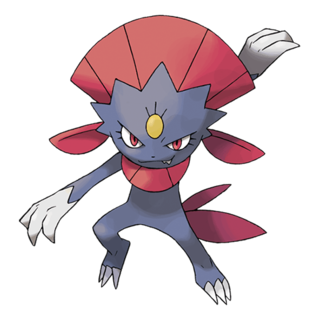

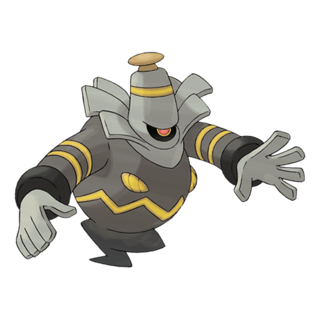

Unova Stone
 Currently the Unova Stone is the hardest of the Evolution Items to obtain. It is only available in 2 ways – either through completing 7 days of research as a reward for your weekly Research Breakthrough, or from defeating a Team GO Rocket Leader.
The Unova Stone was introduced with the release of Pokémon from Generation V. Much like the Sinnoh Stone, Pokémon from the Unova region only need this particular stone to evolve, rather than a variety of different stones.
Currently there are only 5 Pokémon that need a Unova Stone, but we expect this could increase as more Pokémon from the Unova region are released.
For more information on the Unova Stone check out our Unova Stone Guide.
The following Pokémon will need a Unova Stone to be evolved into:
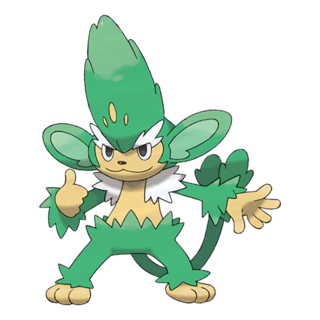
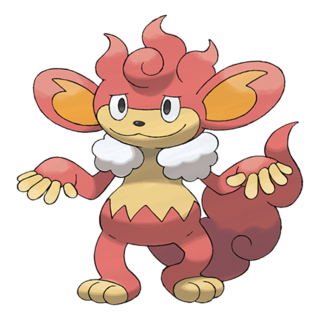



Lure Modules (Glacial, Mossy, Magnetic)
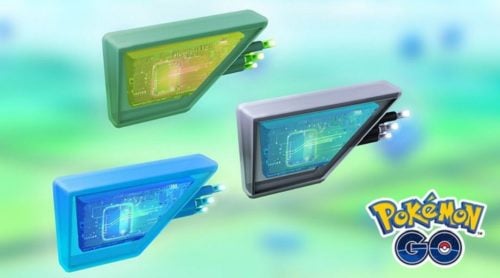
Glacial Lure allows Eevee to evolve into Glaceon, Mossy Lure allows Eevee to evolve into Leafeon, and the Magnetic Lure allows Magneton to evolve into Magnezone and Nosepass into Probopass.
Tips
- None of these special items can be bought in the shop.
- The Johto items can be dropped rarely from Pokéstops spins and you are guaranteed one of them from your 7-day Pokéstops spin streak.
- Sinnoh and Unova stones can be dropped by battling Team Rocket leaders and also through the 7-day Research Box reward.
- If you storage is surprisingly full, check how many of each of those you have, you might be shocked to find it it a lot more than you realise.
 If you see a raid you want to tackle or fancy better rewards from Go Battle League then you are going to need a pass of some sort. Although they look and have similar uses they are different…
- Raid Pass (the orange one) – This is your free daily raid pass you get from Niantic. It can’t be used in Go Battle League for the Premium Battle Rewards or used remotely. You have to be within range of the Gym (ie close enough to spin it) to use it. If you start the day with your free raid pass and then use it, you will receive a new free daily pass from the next Gym spin/interaction.
- Premium Battle Pass (the green one) – These have two functions, battle in a raid same as the Raid Pass or use to unlock the high tier rewards in Go Battle League. Available to buy in the shop individually or as part of the box bundles (contents may vary) and occasionally in Special Research rewards.
- Remote Raid Pass (the blue one) – Introduced during the pandemic, you can click on any Gym you can see on the in-game map and raid at it, even if you aren’t close enough to spin it. If you are invited to a raid anywhere you will need a remote pass to take part. These passes cannot be used in Go Battle League for the higher tier rewards. These are bought in the shop individually or as a 3-pack, you receive one free remote pass a week in the 7-day research box.
Tips
- There is no distance limit that you remote raid at, you can raid in Taiwan, then New Zealand, then the USA, then Hungary and anywhere in-between, all from wherever you are.
- As part of the in-game COVID bonuses remote raiders do the same damage as Trainers physically at the Gym, this may change in the future when these bonuses come to an end.
- There is a limit of 10 remote raiders per raid and if you have been invited to a raid then you cannot then invite more people yourself.
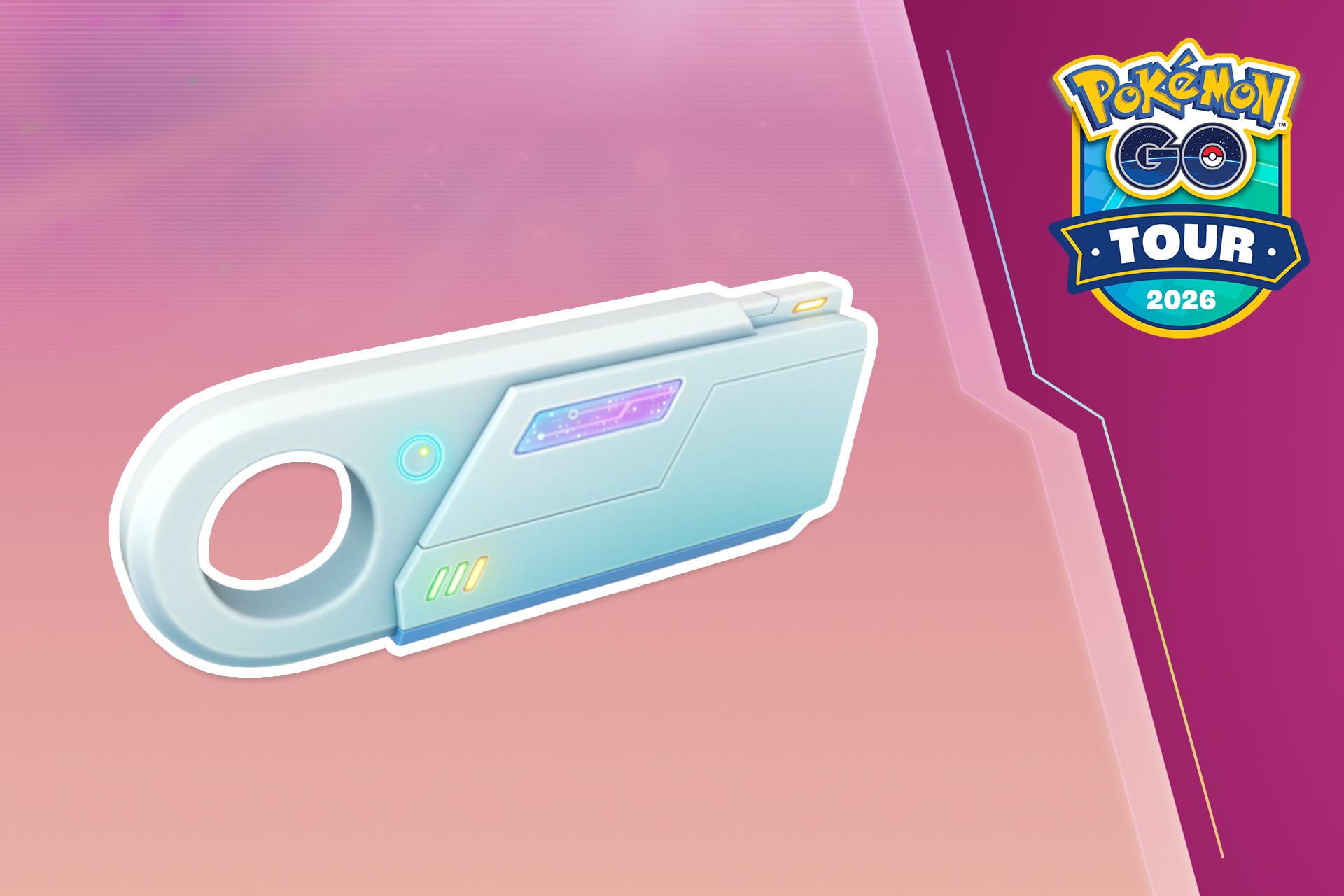
Link Charges are a newer resource in Pokémon GO that you can collect with your Link Holder in order to take part in Mega and Super Mega Raids.
You will automatically receive the Link Holder in your Item Bag when you collect your first Link Charges. It is a key item and cannot be removed from your Item Bag. Your Link Holder can only hold a certain amount of Link Charges at any one time.
- If you join a Mega or Super Mega Raid locally, you can use Link Charges or a Premium Battle Pass to enter. You’ll be given the option to select which resource you want to use when you enter the Raid lobby.
- In general it will be better value to use Link Charges rather than Premium Battle Passes for standard Mega Raids.
- If you enter a Super Mega Raid remotely, you must use both a Remote Raid Pass and Link Charges.
- Standard Mega Raids will only need a Remote Raid Pass to enter remotely.
How To Collect Link Charges
You can earn Link Charges in the following ways:
- Completing Weekly Challenges with friends
- Opening Gifts from friends
- Checking into Community Meetups via Campfire
- Purchasing from the Pokémon GO Web Store and in-game shop
 Hatching Eggs has been an integral part of the main series Pokémon games for a long time and a part of Pokémon GO since the beginning. Although I’m not going to go into the Eggs themselves here more info can be found in this article.
- Infinity Incubator – Niantic give you one Incubator that will never break and hatches at normal speed so you can always have at least one Egg on the go at all times.
- Standard Incubator – Just like the infinity Incubators but break and have to be replaced after 3 uses.
- Super Incubator – Reduce the distance required to hatch an Egg by one third. Also break after 3 uses. The reduction in walking distance also stacks with in-game events so if it is half distance you can really get cracking! (Sorry)
- Timed Incubator – The Timed Incubator is an additional unlimited-use Incubator for hatching eggs that is sometimes including in the Deluxe version of the monthly GO Pass. The Timed Incubator will last from when it’s earned until one week after the current GO Pass ends. An egg placed into the Timed Incubator that has not hatched by the expiration date will be placed into a new single-use incubator to finish incubating. Once the egg hatches the incubator will disappear.
Tips
- Incubators are considered a premium item and are generally only available through the shop or as a levelling up reward.
- Both standard and Super Incubators are available to buy singly or as part of the box bundles.
- It is completely down to you which Eggs you place in what Incubator, but constantly replacing Incubators can be expensive, so I would personally reserve the 2km/5km for the infinity one.
- The Egg pool (what is available in each Egg tier) refreshes frequently but clicking on each Egg will reveal what could be inside it.
- With the Timed Incubator, we recommend incubating the largest egg possible as your final egg before you lose it. It will turn into a regular incubator one week after the GO Pass ends, so you may as well use it to hatch a longer distance egg!
Team Rocket items
 Mysterious components are received from battling Team Rocket grunts, 6 components build a Rocket Radar
- A Rocket Radar lets you track down the Team Rocket Leaders. The radars can be bought in the shop at 200 coins each. These can be used to find Team GO Rocket Leaders at both Pokéstops, and in Rocket Balloons.
- During Team GO Rocket events you can earn a Super Rocket Radar from the GO Pass to help you track down Giovanni and catch a shadow Legendary! You can only use a Super Rocket Radar to find Giovanni at Pokéstops, he cannot appear in Rocket Balloons.
Rare Candy
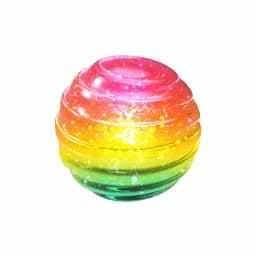
Rare Candy is a Raid reward, through Go Battles League and the occasional field and Special Research. These
are converted into a candy for whatever Pokémon species you like, so if you have a legendary you want to power up but are out of candy then you will need these as well as dust!
Rare XL Candy
Rare XL Candy is needed to level up Pokémon past level 40. Only available from level 40 onwards, you can obtain Rare XL Candy from level up rewards, the GO Pass and Special Research.It is a very rare premium item, so use it wisely.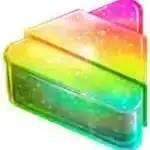
Poffins
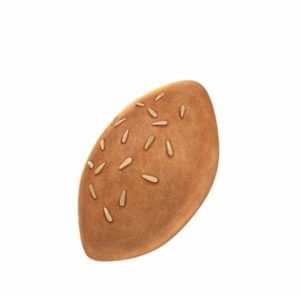
Feed a Poffin to your Buddy to make it instantly excited and earn hearts for you and push it along to becoming your best buddy! This great feature has been covered in much more details here by Zeroghan.
Phew, what a journey! Every item mentioned has a place in Pokémon GO and is there to help you. Space in your bag is currently capped at 3,000 items (upgrade your bag space in the shop) and as with so many things in Pokémon it is down to you what to keep – raid and battle a lot? Keep more potions and revives. A keen collector? Focus on keeping a healthy stash of Poké Balls. It is your adventure, do it your way!
Good luck, have fun and stay safe out there Trainers!


